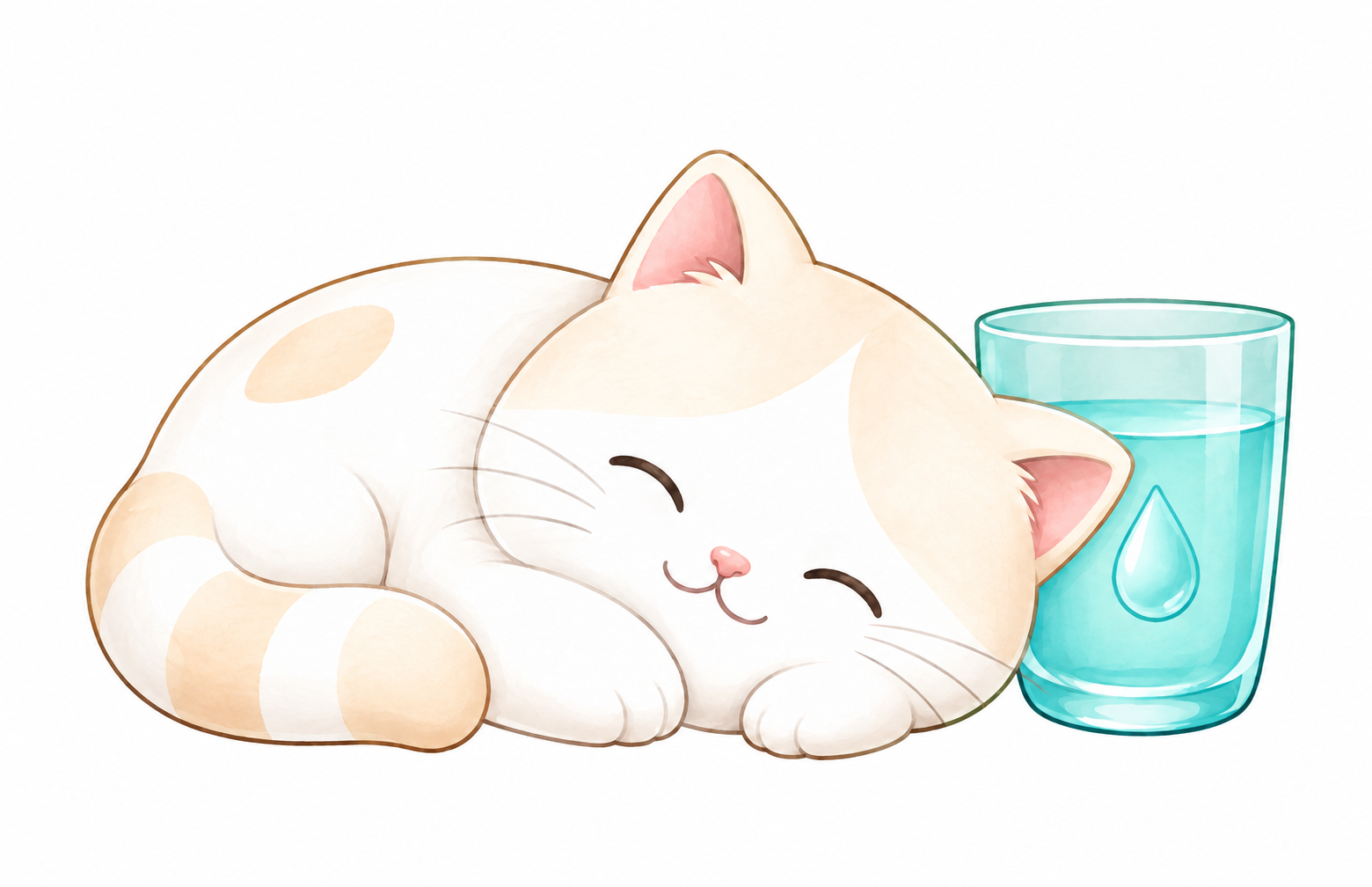
Real cat lives inside the app

This cat gently
helps watch over
your daily hydration.

When it hits 0mL, the cat quietly waits holding a water cup.
One look at that face, and your hand naturally reaches for water.

iPhone · Apple Watch · Widgets · Live Activities — all with your cat
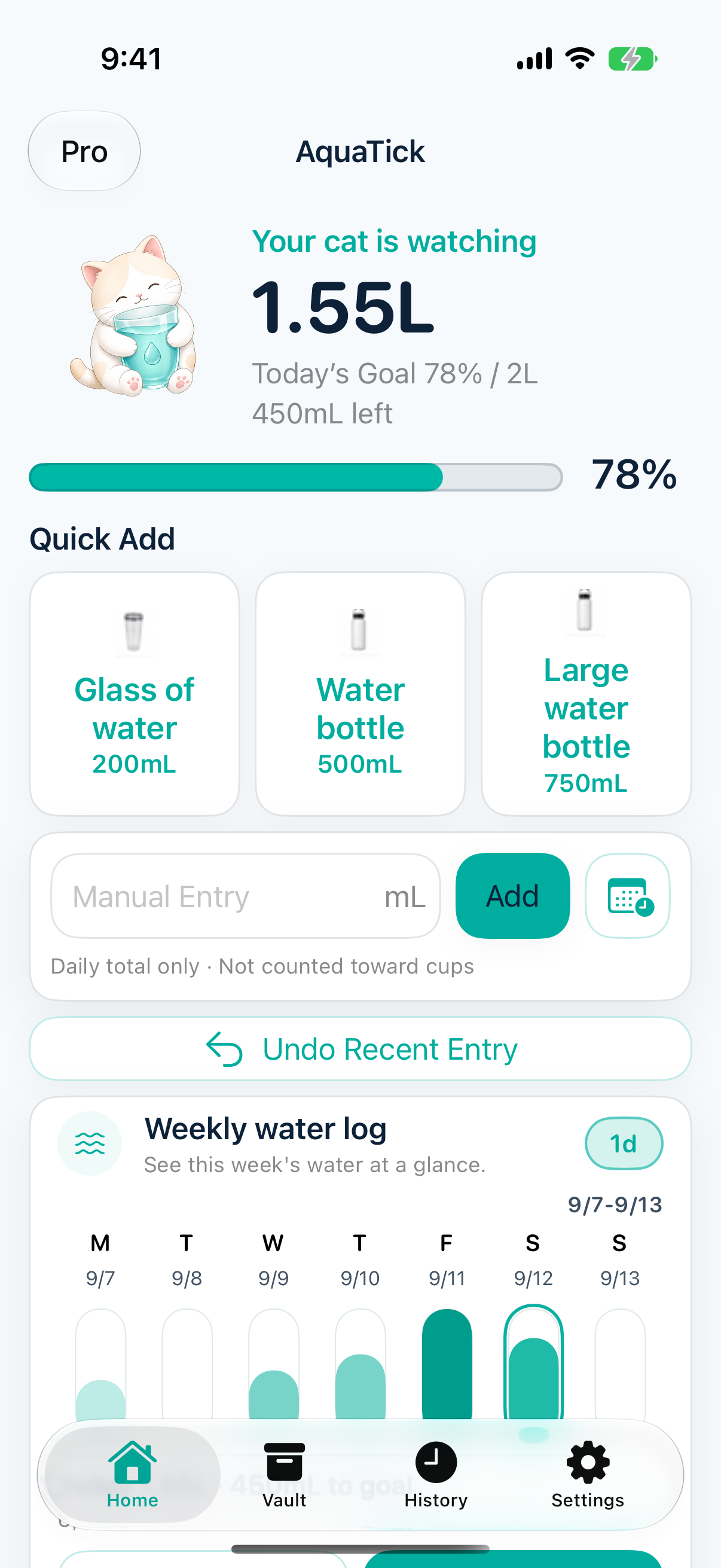
AquaTick iPhone home — cat smiling after achieving 1.35L, horizontal teal progress bar and remaining amount
Real cat inside

AquaTick is a cat-themed hydration tracker app

Log water on iPhone, Apple Watch, widgets, and Live Activities, then check your daily hydration through the cat's expressions.

Quick water logging

Use common amounts like +200mL and +300mL to record water intake without slowing down your day.

Daily hydration status

See today's goal, remaining amount, and current progress through a clear card and the cat's mood.

Wrist and home screen

Keep the habit going from Apple Watch and widgets, even when you do not want to open the full app.

Quickly log water
together with your cat

Cat hydration state — changes between empty / thirsty / hero expressions based on current progress
0mL
Daily goal 2L · 0%
Remaining today 2000mL

Feel the exact same quick-log flow as the real app right here. The cat remembers your hydration and cheers you on with its expressions.

Three promises
this cat makes with you

This is how the cat remembers you and gently cheers you on.

Promise 01

The waiting moment

When it reaches 0mL, the cat holds a cup and waits quietly. That gentle expression makes you naturally want to grab some water.

😿
Promise 02

Memory and encouragement

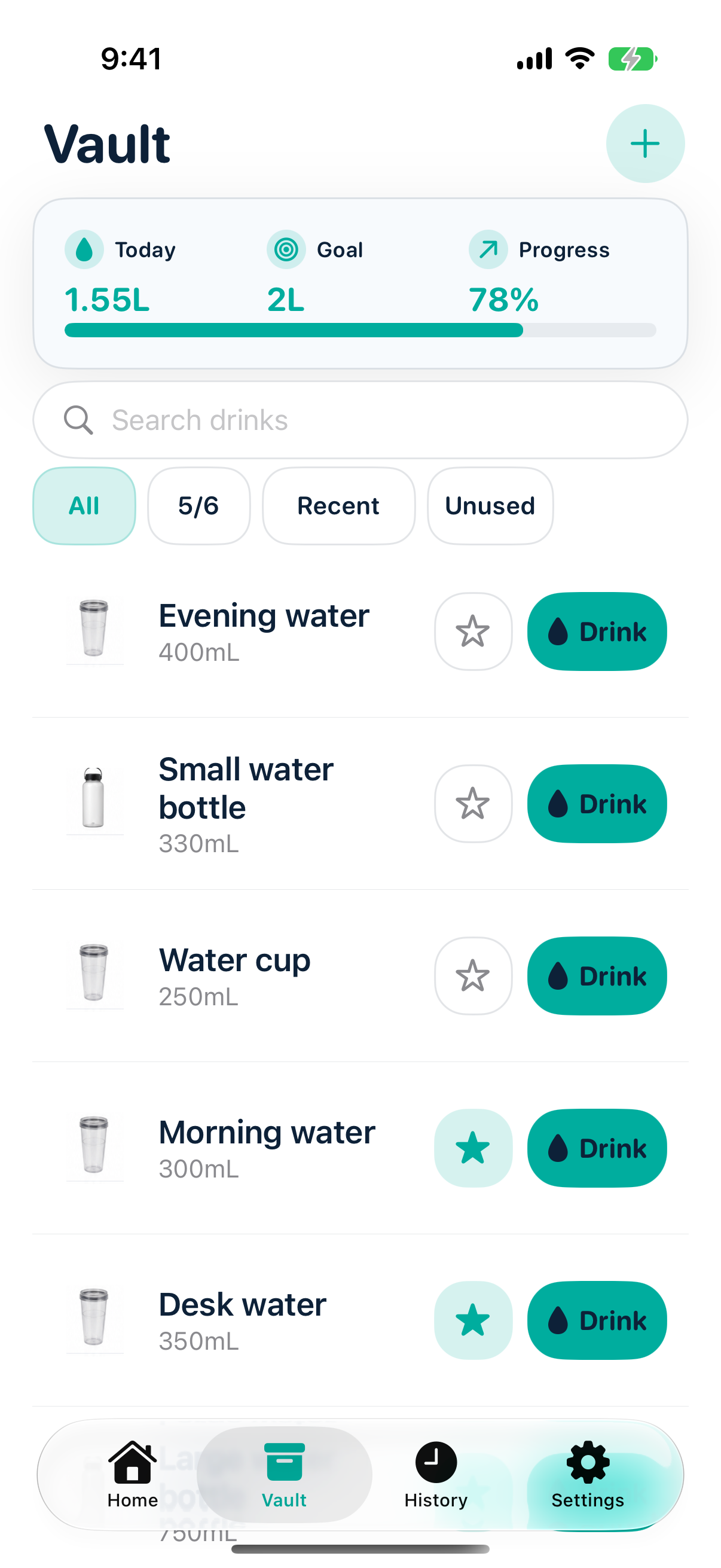
Set a goal and the cat remembers it for you. Even if you forget, the cat never does. Notifications feel like soft encouragement.

😼
Promise 03

A friend on your wrist

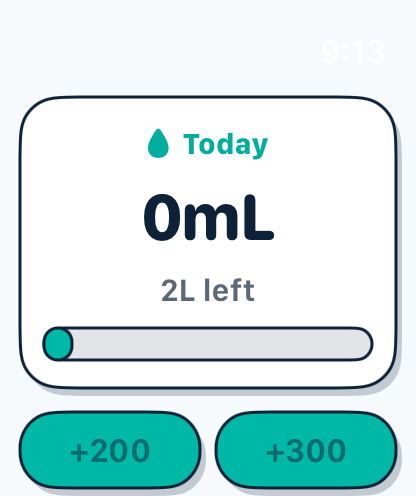
Every time you tap +200 on Watch, you feel the cat is right there with you. Your ears don't literally perk up, but your mood definitely does.

😺

Moments spent with the cat

Actual app screens
AquaTick iPhone home — cat smiling with 1.35L achieved, horizontal progress bar and detailed status
Moment 1 The home card where the cat smiles. A warm moment after logging 1.35L.
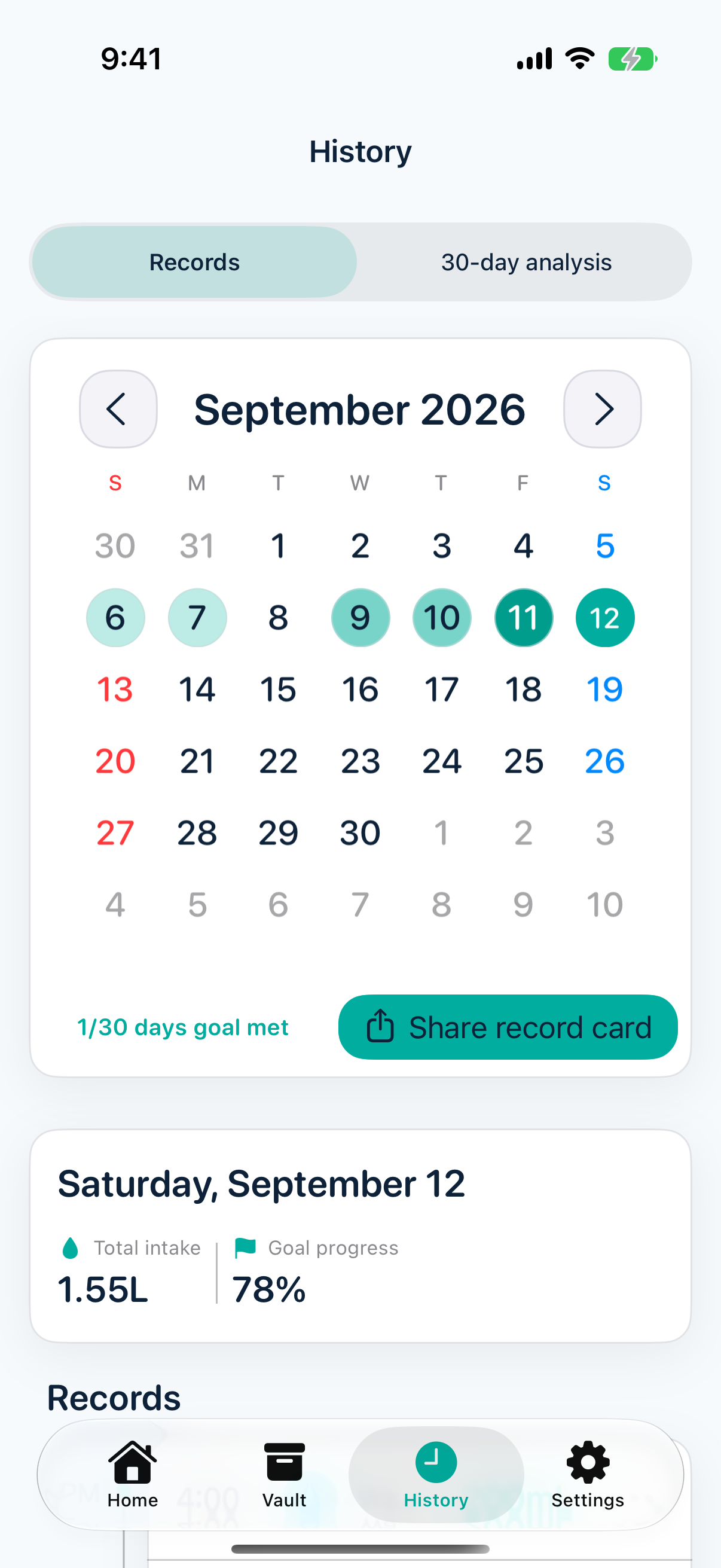
AquaTick history — calendar and daily water logs together with the cat character
Moment 2 Check your flow in history. Every day's records built together with the cat.
AquaTick Apple Watch — cream card with +200 +300 quick add buttons at 0mL
Moment 3 +200, +300 in 3 seconds on your wrist. Everyday life together with the cat.
🐾 🐾 🐾

Ways people use AquaTick

"I woke up at 2:47am after the cat notification and drank 400mL. It was surprising but I was grateful. Now I keep the widget pinned."

Example use 01

"Seeing the cat on Watch makes me tap +200 repeatedly. I sent my friends multiple screenshots saying 'you have to see this cat'. You should try it too."

Example use 02

"Every time it hits 0mL, the cat's waiting expression is so striking. That's why I end up drinking water more often. It's fun and I'm thankful for this app."

Example use 03

"I put the cat on my Lock Screen and now I drink water several times a day. I barely drank before, but thanks to this cat, I built the habit."

Example use 04

Quick answers about AquaTick

What does AquaTick do?

AquaTick tracks water intake and shows today's goal, progress, and remaining amount in a simple hydration card.

Can I log water on Apple Watch?

Yes. You can use quick add buttons like +200mL and +300mL from your wrist.

Does it support widgets and Live Activities?

AquaTick is built around iPhone widgets and Live Activity flows so your hydration status stays close by.

Where can I download AquaTick?

AquaTick is available on the App Store. Support and privacy policy links are available at the bottom of this page.

View on the App Store

Start today
together with
the cat.

Many people are already taking care of their hydration with this cat.
Join them too.

Bring the cat home from the App Store