Saved it in Google Maps? Paste the link.
Google Maps is great for finding places; Naver and Kakao are how you get there. Korea Map Link finds the Korean name and address, opens Naver or Kakao, and shows an ad-free card for your taxi driver—skip the copy-paste scavenger hunt.
How it works
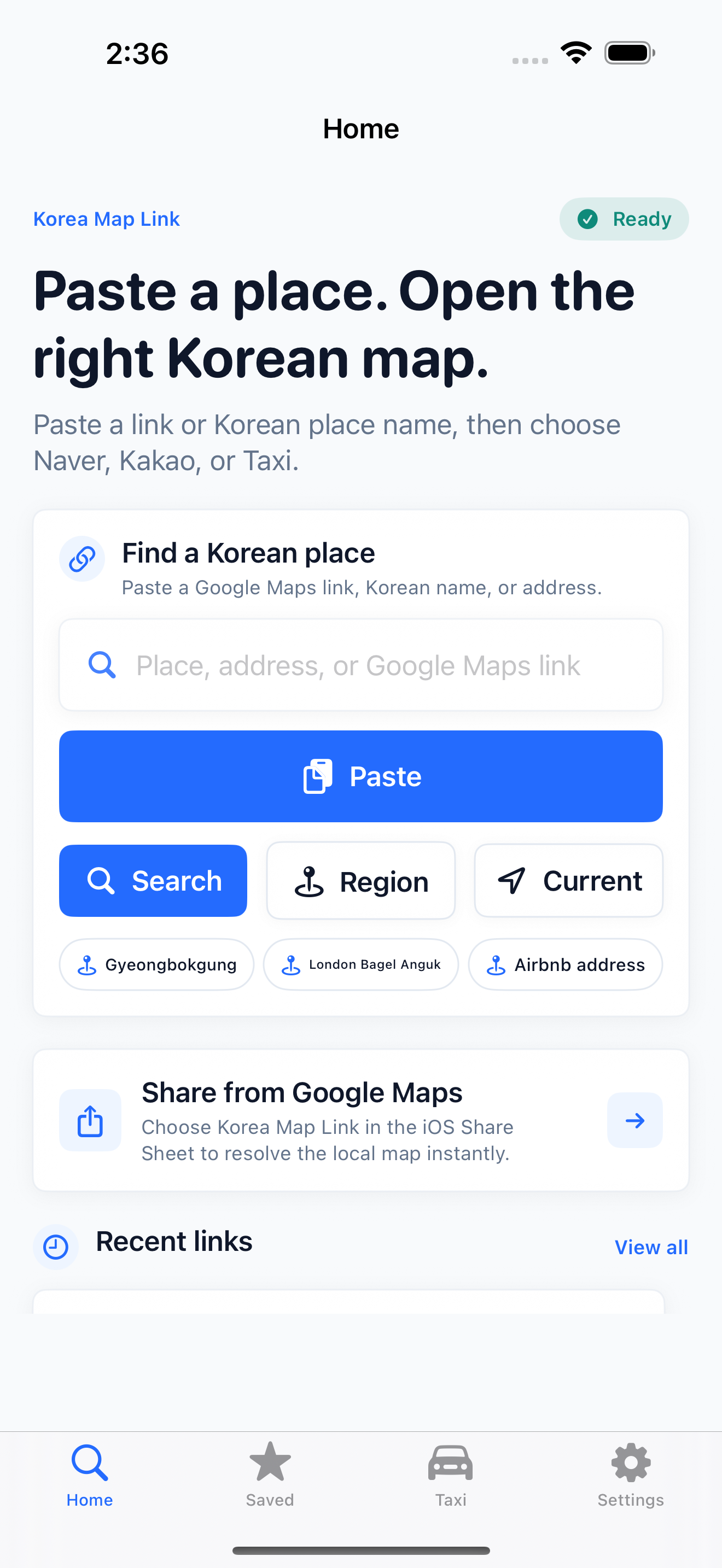
- Paste Share from Google Maps via the iOS Share Sheet, or paste an Airbnb/hotel address, Instagram find, or English place name.
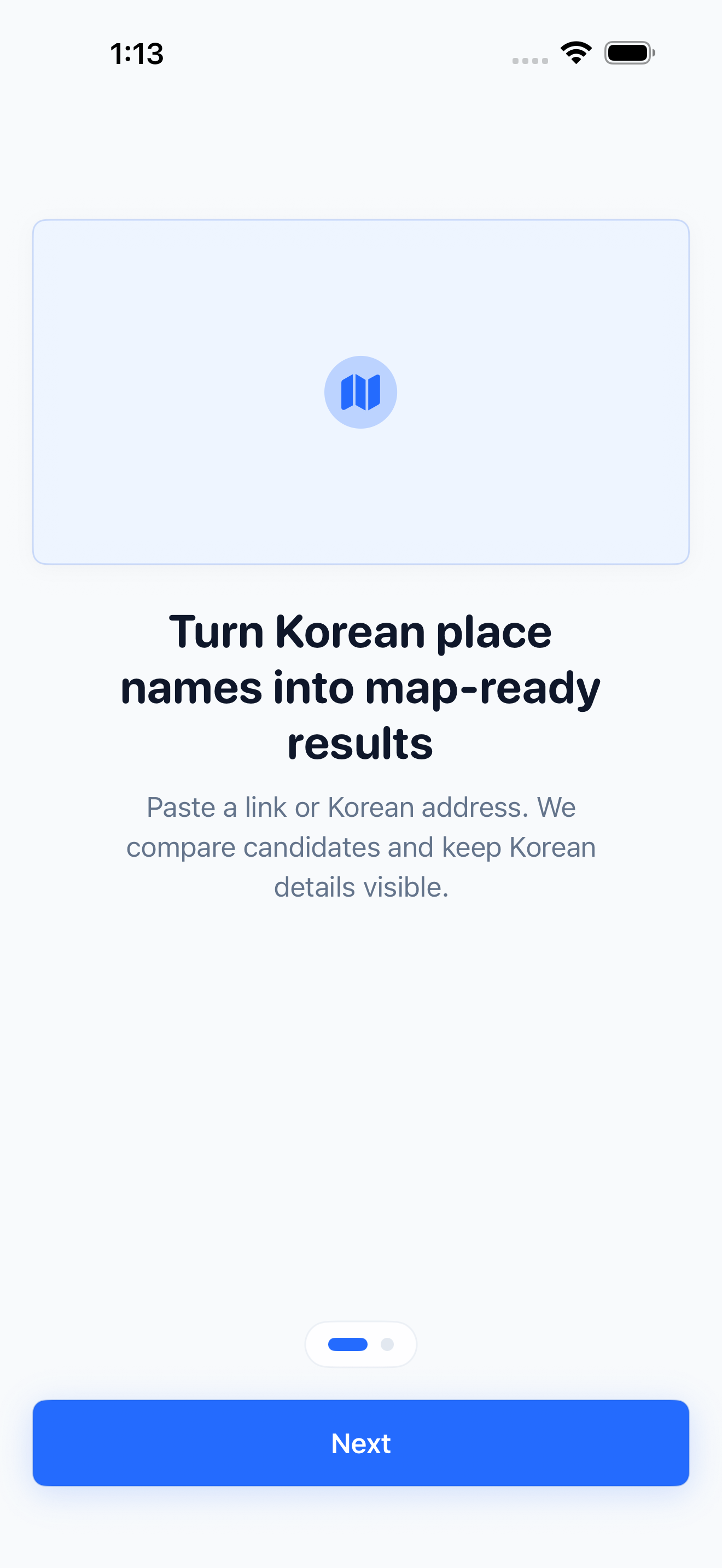
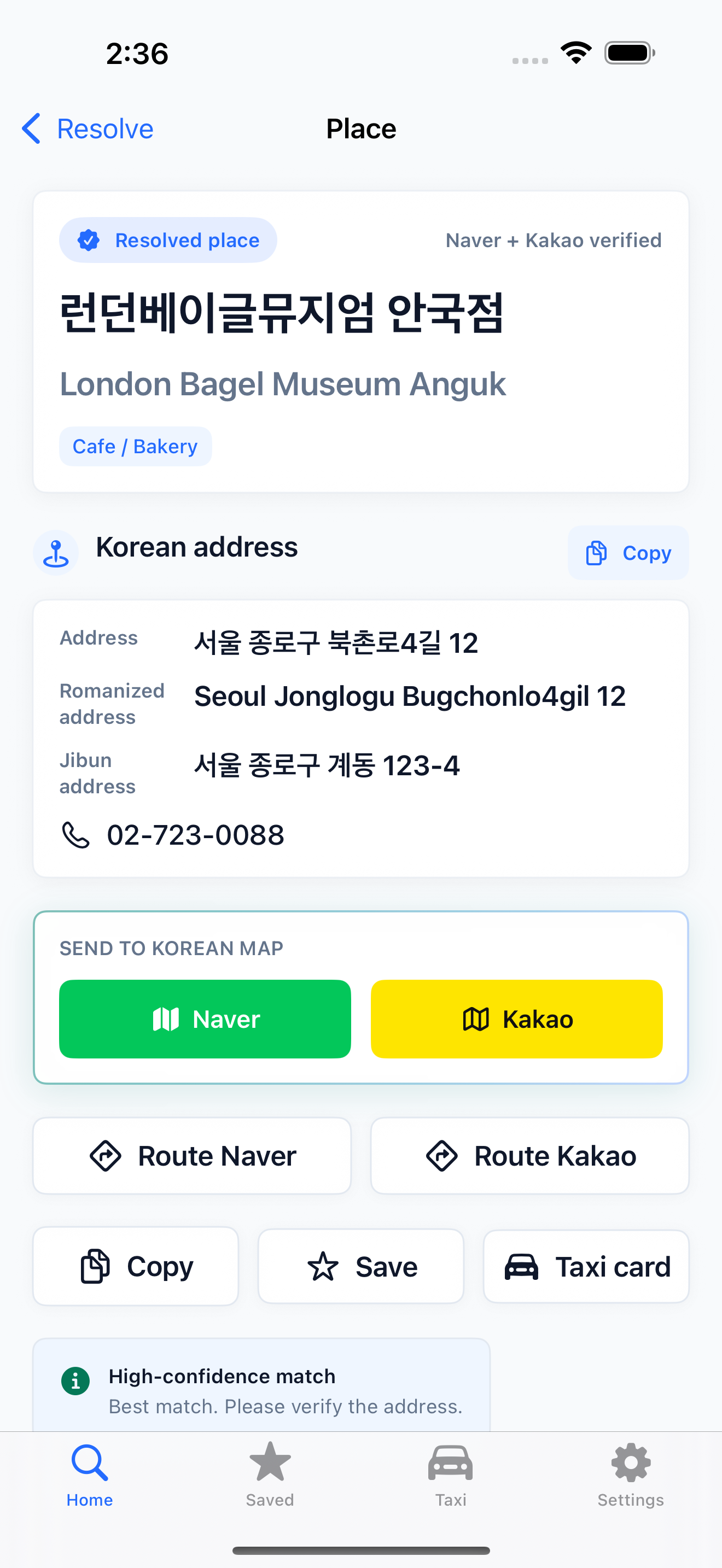
- Resolve Skip hunting for Korean names across apps—the app matches English or link input to local Naver/Kakao candidates.
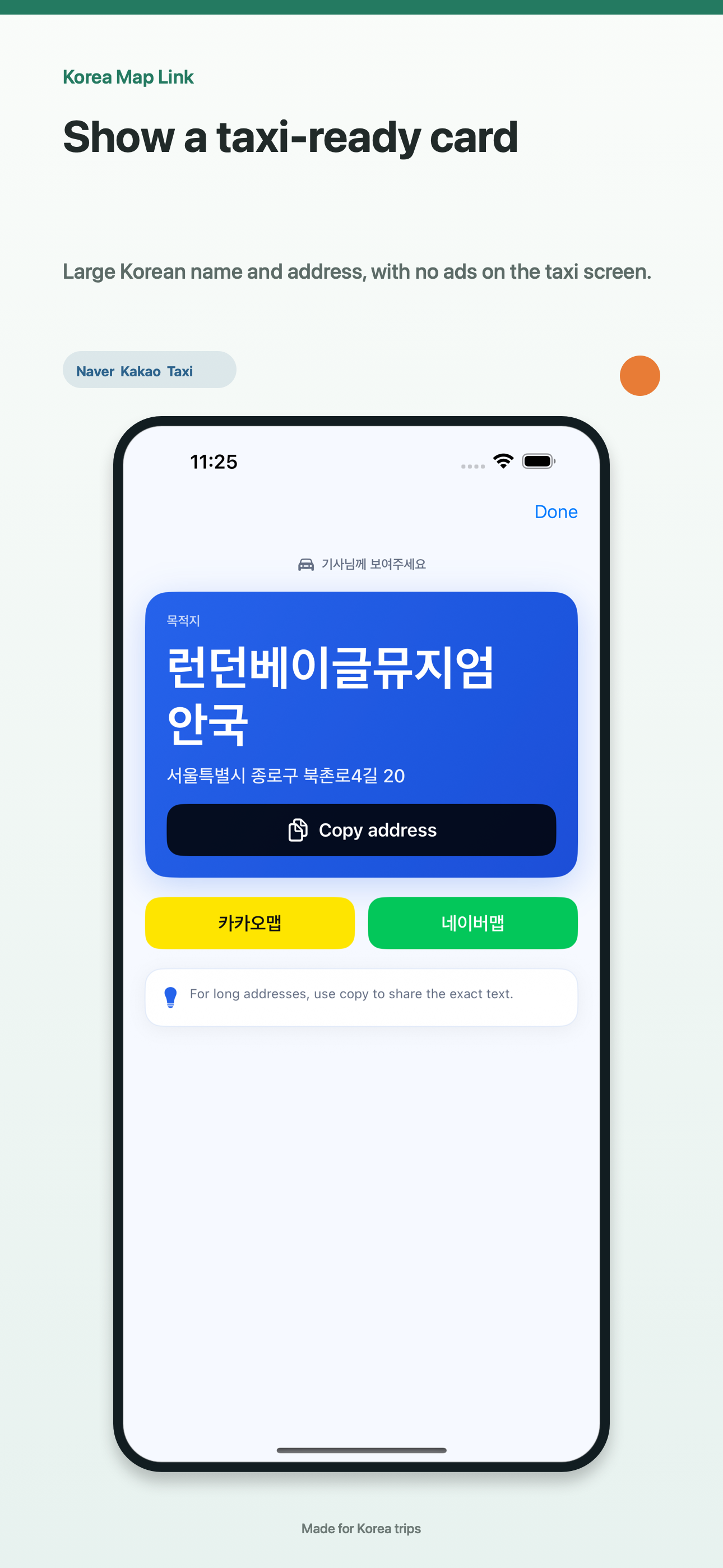
- Hand off Open Naver or Kakao for directions, save the place, or show an ad-free taxi card your driver can read at a glance.
The current app flow

FAQ
Does Google Maps work in Korea?
Google Maps is useful for planning, but walking and driving directions in Korea are limited. Locals rely on Naver Map and Kakao Map—this app helps you bridge saved Google places to those apps.
Can I share from Google Maps?
Yes. Choose Korea Map Link in the iOS Share Sheet to resolve a shared place into a Korean handoff ticket instantly.
Do I need an account?
No sign-up. Recent links and saved places stay on your device across Home, Saved, and Taxi tabs.
Can I paste my Airbnb or hotel address?
Yes. Paste the address or Google Maps link from your booking confirmation. Korea Map Link resolves the Korean details so you can open Naver or Kakao and show a taxi card to your driver.
Is the app free?
Yes, with ads on search and lists. The taxi card screen stays ad-free.