 AlarmCrew
iOS
Available on the App StoreStart a morning routine with your friends.
iPhone · iPad / iOS 26.0+
Get on the App StoreAdd a friend to your morning alarm. Wake at the same time, see who is up, and build a morning routine you can share.

Before class. Before work. An earlier start, with your people.
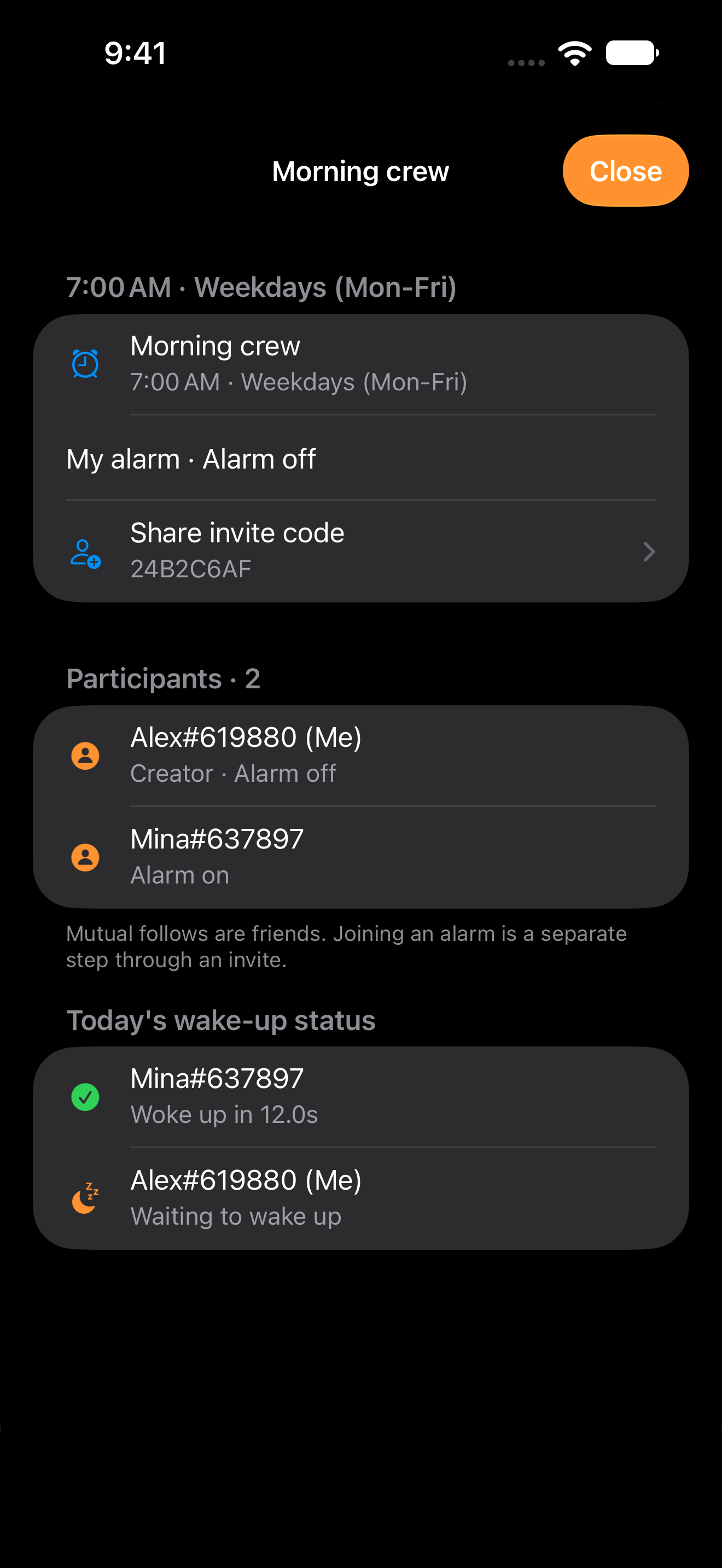
Dismiss your alarm and your Crew sees that you’re up. Check your friends’ wake-up status and response times in the same room.
Share an 8-character invite code so friends can join your Crew.
See who has dismissed their alarm and who is still waiting.
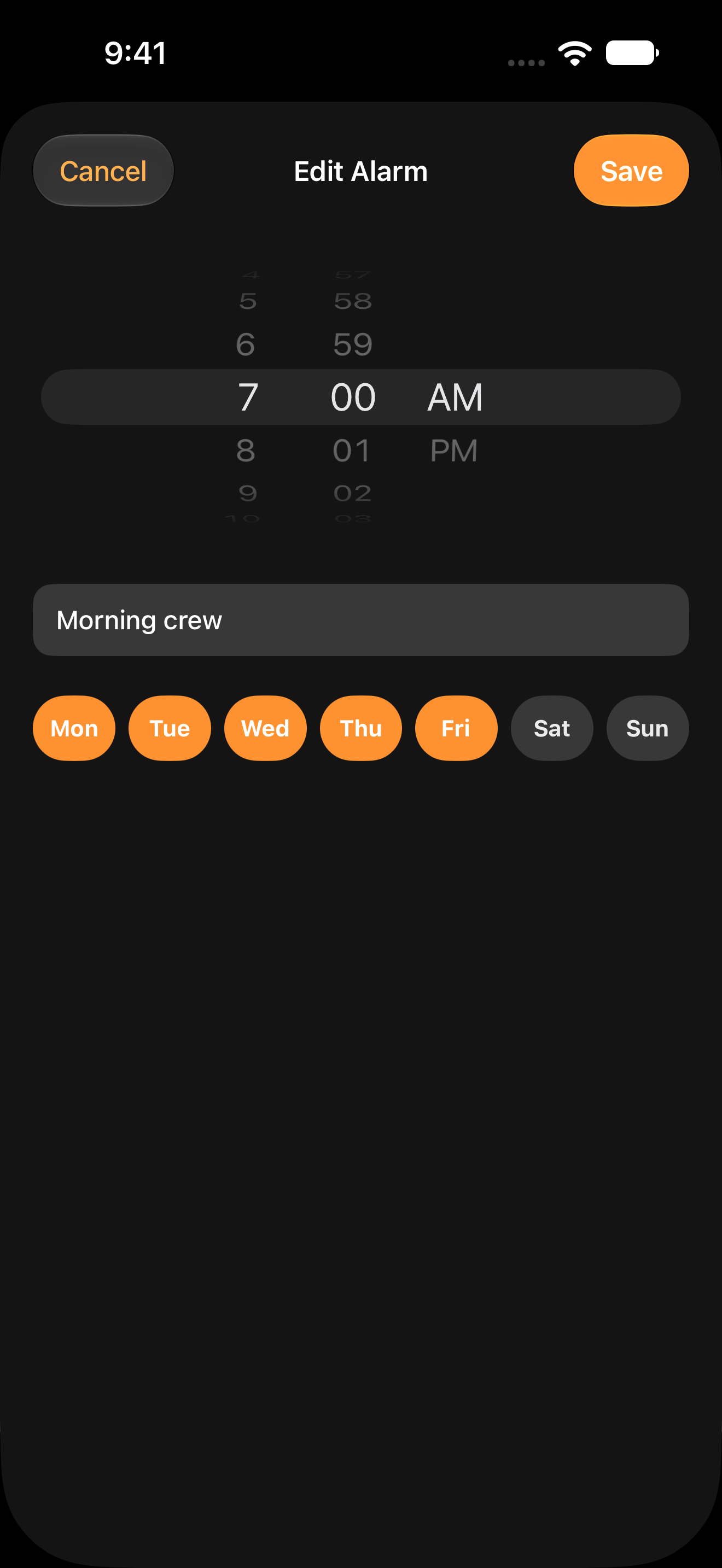
Seven on weekdays. A slower start on weekends. Choose a time, set repeat days, and give your alarm a name that feels like you.
Start with a personal alarm, then share one with your Crew.
Dismiss the alarm or snooze it for another five minutes.
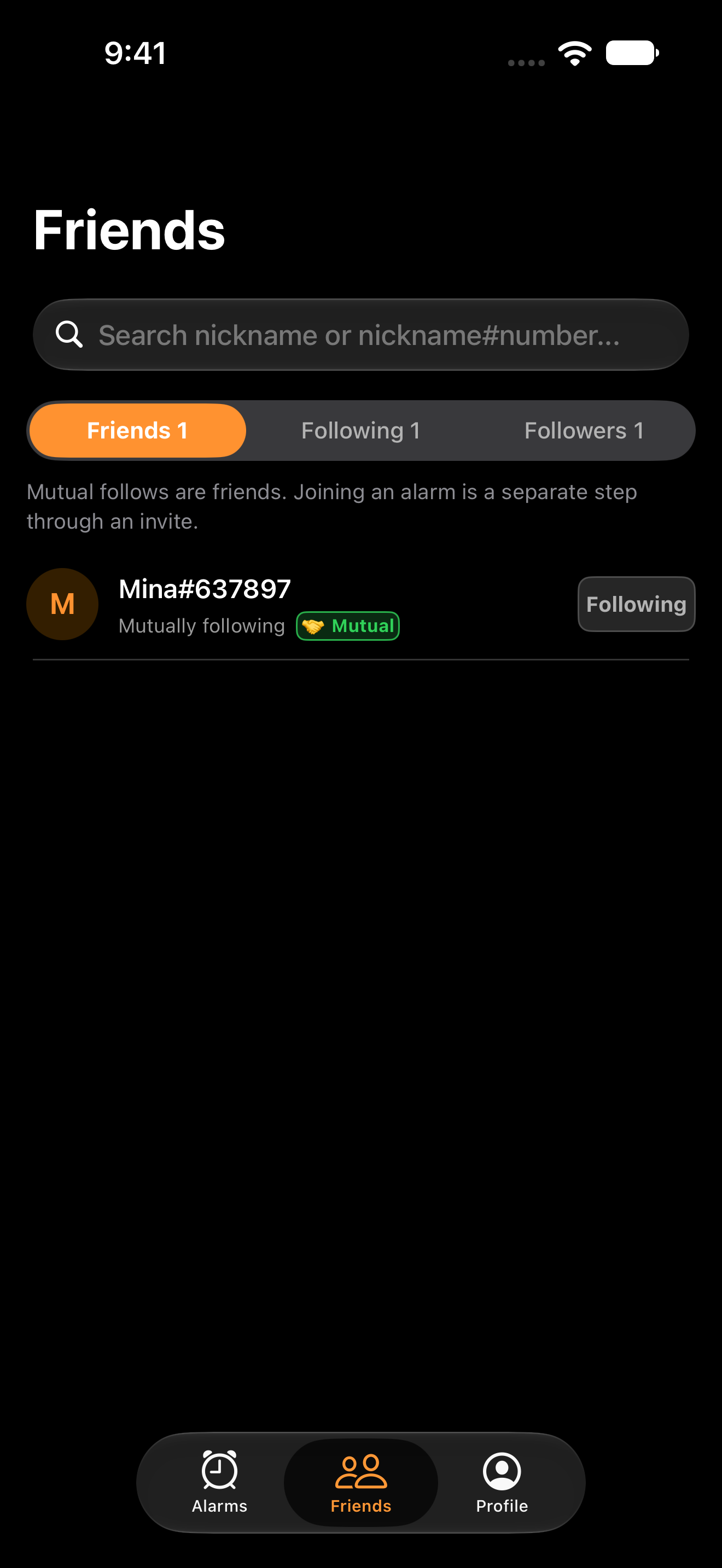
Find friends by nickname and follow each other. Then share the invite code for the Crew you want to wake up with.
Good to know before your first shared alarm.
Yes. Download the iOS app from the App Store. Android is preparing for Google Play launch; its download link will appear here after release.
Yes. Set a personal alarm for yourself. When you want company, share an invite code to connect an alarm to your Crew.
No. Mutual following and Crew membership are separate. Enter a shared 8-character invite code to join the Crew you choose.
We’re preparing AlarmCrew for iPhone and iPad with iOS 26.0 or later, and devices with Android 8.0 or later. Allow alarm and notification permissions. On Android, also check exact alarm and full-screen notification access, volume, and battery settings.
Registered alarms run on your device. Signing in and syncing Crew status need an internet connection. Alarms cannot ring when the device is powered off. Signing out removes scheduled alarms on that device. Each alarm follows the device’s local time.
Sign in with Apple and set a nickname. Change your search visibility in your profile, block or report people, or delete your account in Settings. The app includes ads. Read the Privacy Policy for details on account, wake-up, advertising, and diagnostic data.
Your next shared morning starts here. Get AlarmCrew for iPhone and iPad.
Start a morning routine with your friends.
iPhone · iPad / iOS 26.0+
Get on the App StoreMeet us here when launch preparations are complete.
Android 8.0+